
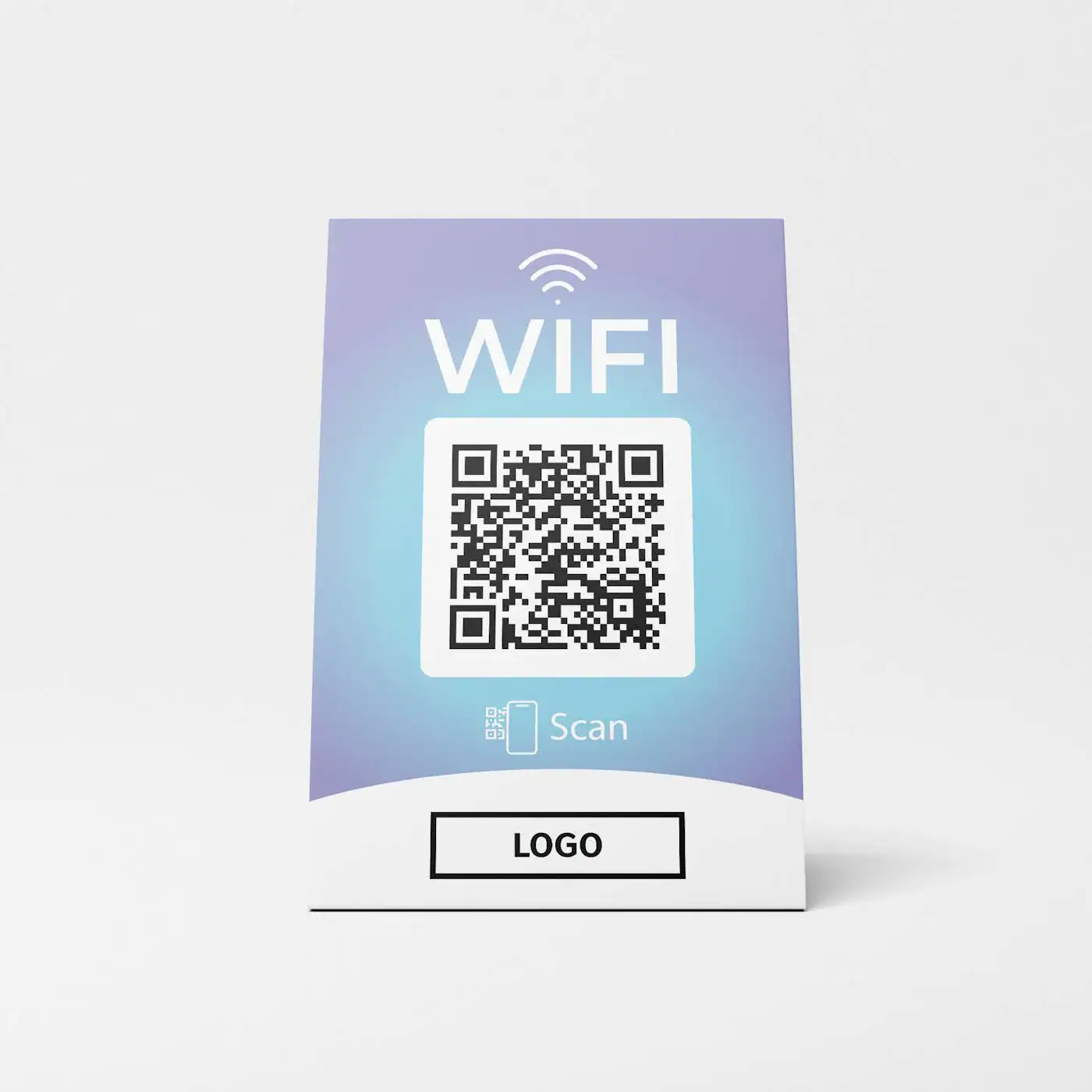
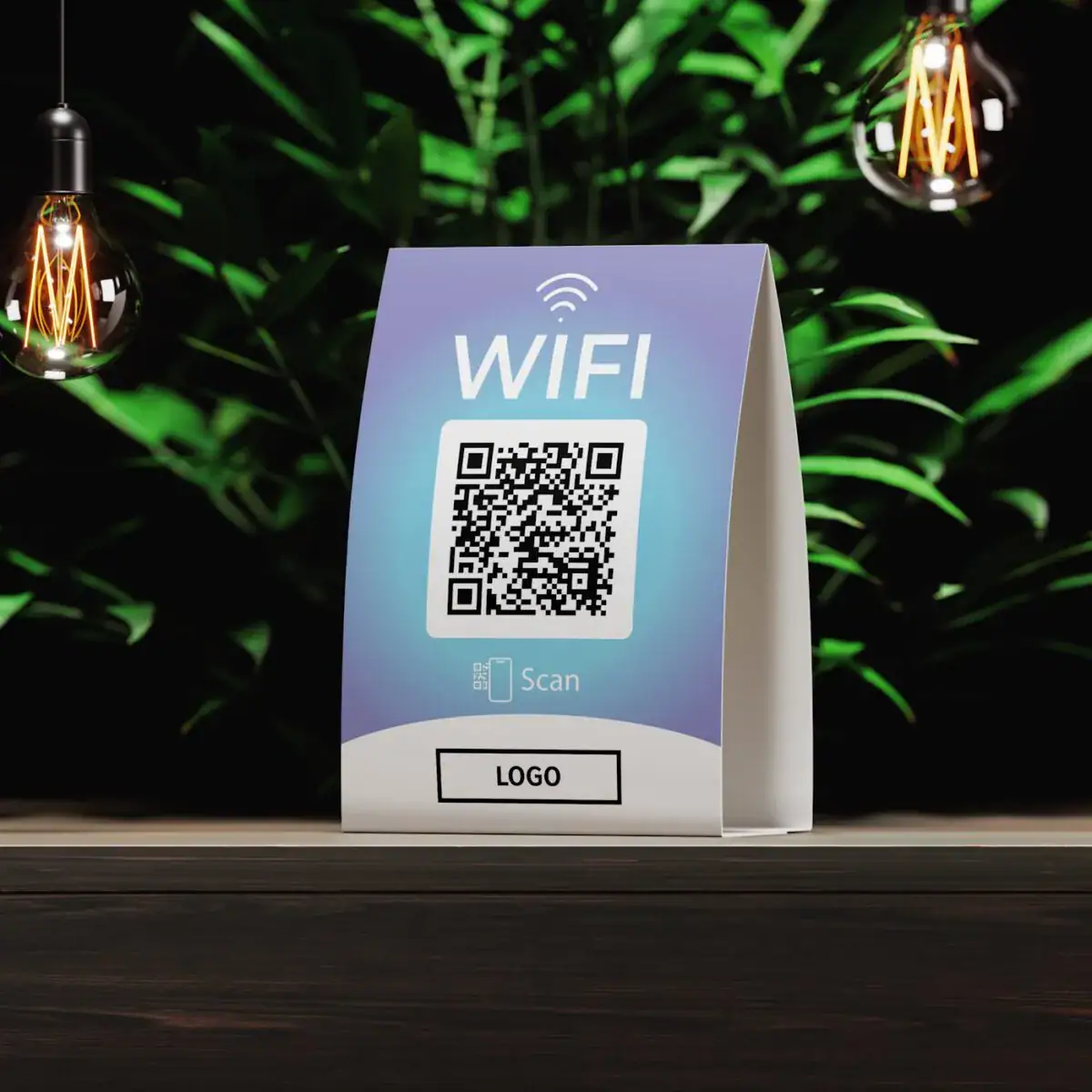
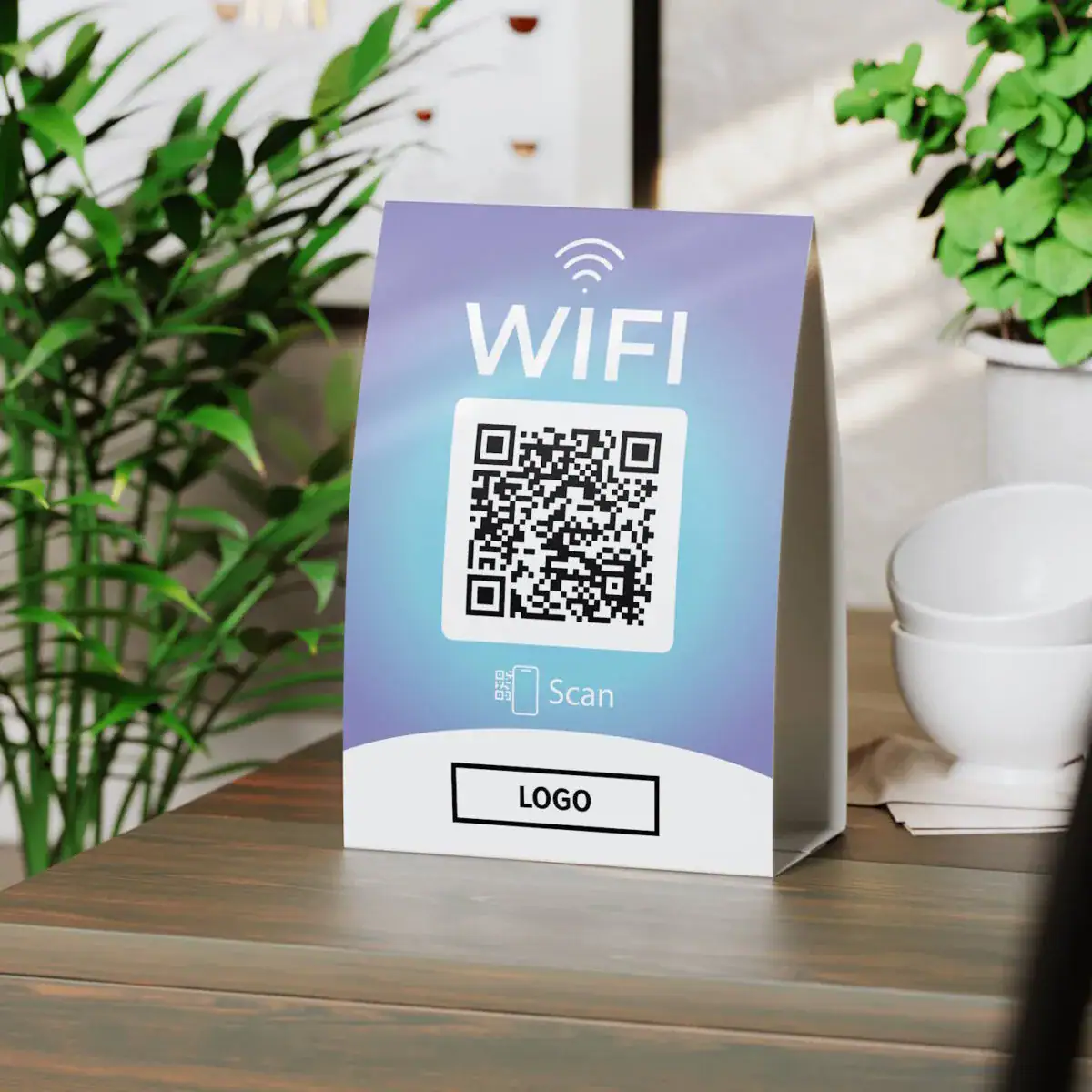
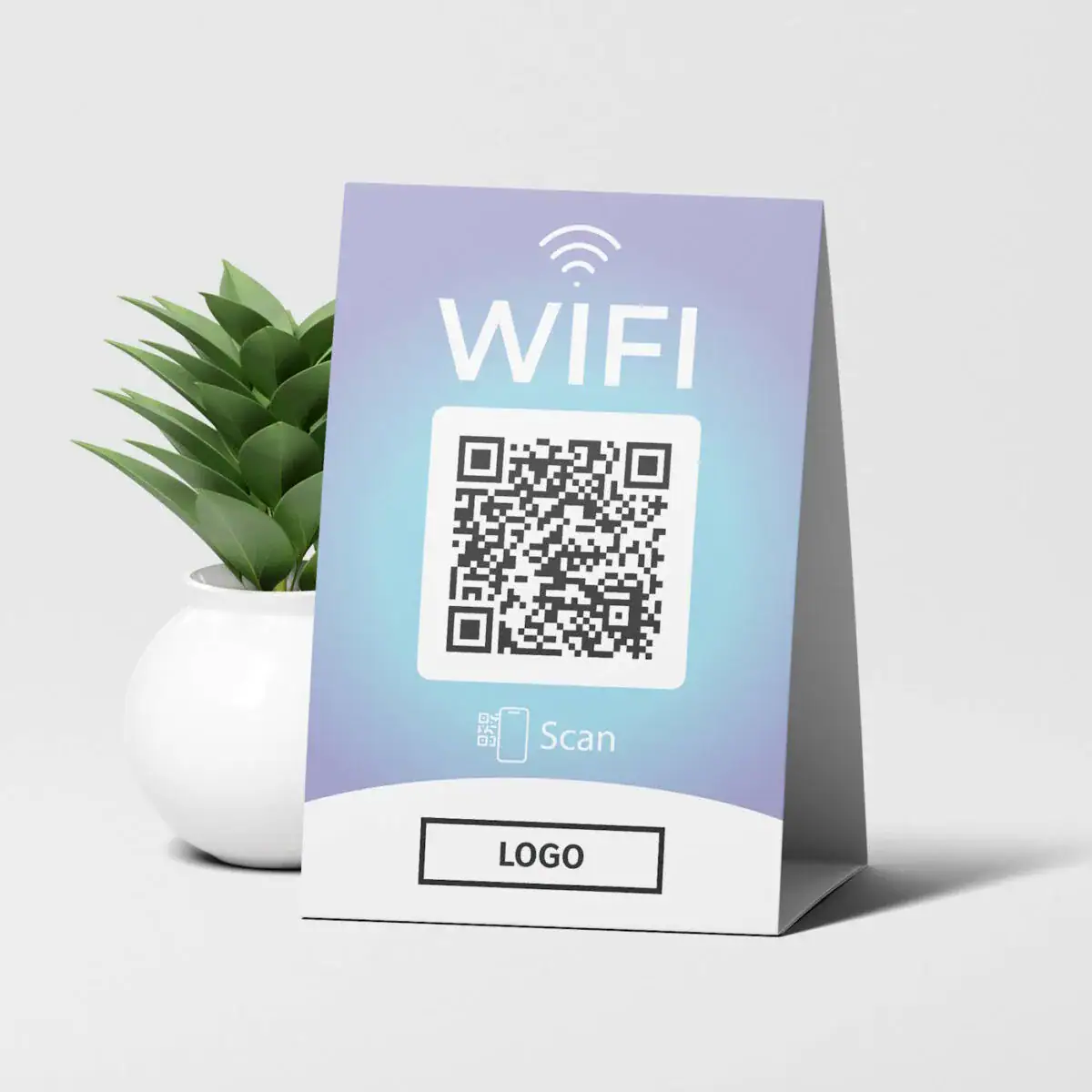
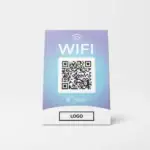
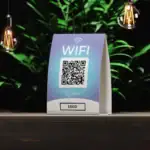
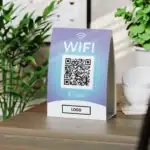
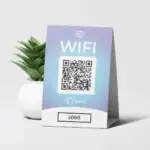
WIFI QR Code Tafelstandaard Fancy
You save
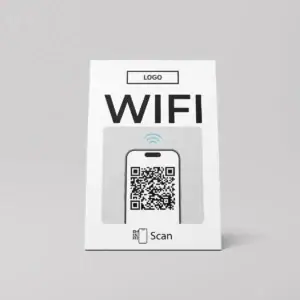
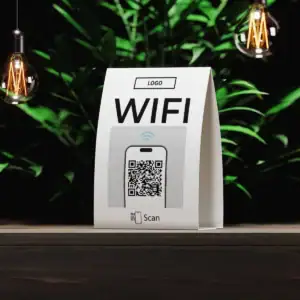
Tafelstandaard met WIFI QR-code – Eenvoudige wifi voor uw klanten
Zorg voor een naadloze Wi-Fi-ervaring in uw bedrijf met onze tafelstandaard met een WIFI QR-code.
Met deze strakke en praktische standaard geeft u uw klanten direct toegang tot uw Wi-Fi. Het enige wat ze hoeven te doen is de duidelijk zichtbare QR-code scannen met de camera van hun smartphone. Geen vervelende wachtwoordinvoer of ingewikkelde inlogprocessen meer! Uw klanten zijn binnen enkele seconden online.
Kenmerken:
- Onmiddellijke Wi-Fi-verbinding: Eenvoudige verbinding door de QR-code te scannen met de smartphonecamera.
- Slank en modern ontwerp: De standaard past naadloos in elke omgeving – ideaal voor cafés, restaurants, kantoren, hotels en winkels.
- Gebruiksvriendelijk: Geen wachtwoord vereist; de QR-code leidt rechtstreeks naar de Wi-Fi-verbinding.
- Duurzame materialen: De tafelstandaard is duurzaam en robuust, perfect voor dagelijks gebruik.
- Veelzijdig gebruik: Perfect voor tafels, toonbanken of ontvangstruimtes.
Hoe het werkt:
- Plaats de tafelstandaard op een zichtbare plek.
- Uw klanten scannen de QR-code met de camera van hun smartphone.
- Na het scannen worden ze direct verbonden met uw Wi-Fi – snel, veilig en gemakkelijk.
Table Stand with WIFI QR Code – The Easiest Way to Provide Wi-Fi to Your Customers
Offer your customers the simplest and fastest access to your Wi-Fi with our practical table stand featuring a WIFI QR code. No cumbersome password entry, no unnecessary hurdles – your customers simply scan the QR code with their smartphone camera and are online in seconds. This stand is the perfect solution for businesses looking to provide their guests or customers with a user-friendly and instantly accessible Wi-Fi experience.
What is the Table Stand with WIFI QR Code?
The table stand with WIFI QR code is an innovative and uncomplicated product designed to give your customers or guests quick access to your Wi-Fi network. It is ideal for restaurants, cafes, hotels, offices, waiting rooms, gyms, hair salons, and any other types of businesses that want to provide their visitors with a pleasant Wi-Fi experience. The table stand clearly displays a QR code that customers can easily scan with their smartphones to connect automatically to your Wi-Fi – no password required!
Advantages of the Table Stand with WIFI QR Code
1. Immediate Wi-Fi Access:
- Your customers can connect to your Wi-Fi instantly and without obstacles. By scanning the QR code on the table stand with their smartphone camera, they eliminate the need to manually enter long and complicated passwords. This not only enhances the customer experience but also increases the likelihood that your customers will stay longer in your establishment and use your services.
2. Easy Operation for All Devices:
- The QR code works with both Android and iOS devices (iPhones). Users simply need to open the camera app and scan the code. This will immediately prompt them to connect to the Wi-Fi, which they just need to confirm. Laptop and tablet users also benefit, as the access details will be displayed for manual entry after scanning.
3. User-Friendly and Time-Saving:
- The table stand eliminates unnecessary sign-in processes and reduces the effort for your customers by providing a seamless transition to Wi-Fi. This not only saves time but also makes it easier for your staff to focus on what matters, as no individual requests for Wi-Fi access details need to be handled.
4. Professional and Modern Design:
- The table stand is not only functional but also visually appealing. Its simple, modern design fits perfectly into the aesthetics of any business or restaurant while appearing professional. The QR code is clear and easily visible, making it simple for customers to find and scan.
5. Robust Material for Daily Use:
- The table stand is made from high-quality, durable materials that are perfect for daily use in high-traffic environments. Whether on restaurant tables, reception counters, or desks – the stand is sturdy and resilient.
6. No Additional Hardware or Complicated Setup Required:
- The table stand with WIFI QR code works with your existing Wi-Fi network. You do not need to buy additional hardware or make complicated network settings. The QR code is simply printed on the stand, allowing your customers to access your network immediately.
Why Should You Use the Table Stand with WIFI QR Code?
In an increasingly digital world, customers expect quick and easy access to the Internet everywhere. By offering free Wi-Fi in your business, you not only create a pleasant customer experience but also increase dwell time and customer satisfaction. The WIFI QR code table stand from Truzzer is the optimal solution to provide this service in the most efficient way.
Which Businesses Are Ideal for the Table Stand with WIFI QR Code?
- Restaurants and Cafés: Customers can quickly connect to Wi-Fi while waiting for their orders, leading to improved customer satisfaction.
- Hotels: Provide your guests easy internet access in the lobby or breakfast area.
- Offices and Waiting Rooms: Create a pleasant atmosphere for visitors or customers waiting for appointments or meetings.
- Retail Stores: Allow your customers to stay conveniently online while browsing in your store.
- Hair Salons and Gyms: Ensure that your customers can surf the Internet seamlessly during their visit.
How Does the Table Stand with WIFI QR Code Work?
- Simple Setup:
Place the table stand in a visible location in your business, such as on a table, counter, or reception area.
- Scan the QR Code:
Your customers simply open the camera app on their smartphone, point it at the QR code on the stand, and click the notification that appears to connect to the Wi-Fi.
- Instant Connection:
After scanning, your customers are automatically connected to your Wi-Fi network – without needing to enter a password or navigate through a lengthy sign-in form.
- Wi-Fi Access for All Devices:
For Android and iOS devices, the connection is established instantly. Users of laptops and tablets can also scan the QR code to manually enter the access details.
| Technology | |
|---|---|
| Material | |
| Placement | , , |
| Industry | , , |
| Product Type |
Gerelateerde producten
WIFI QR Code Tafelstandaard Schoon
You save
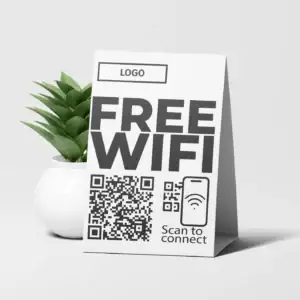
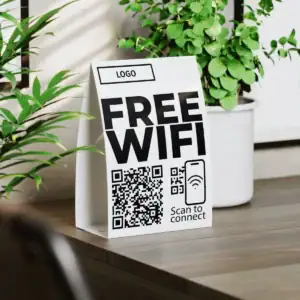
WIFI QR Code Tafelstandaard Vet
You save


