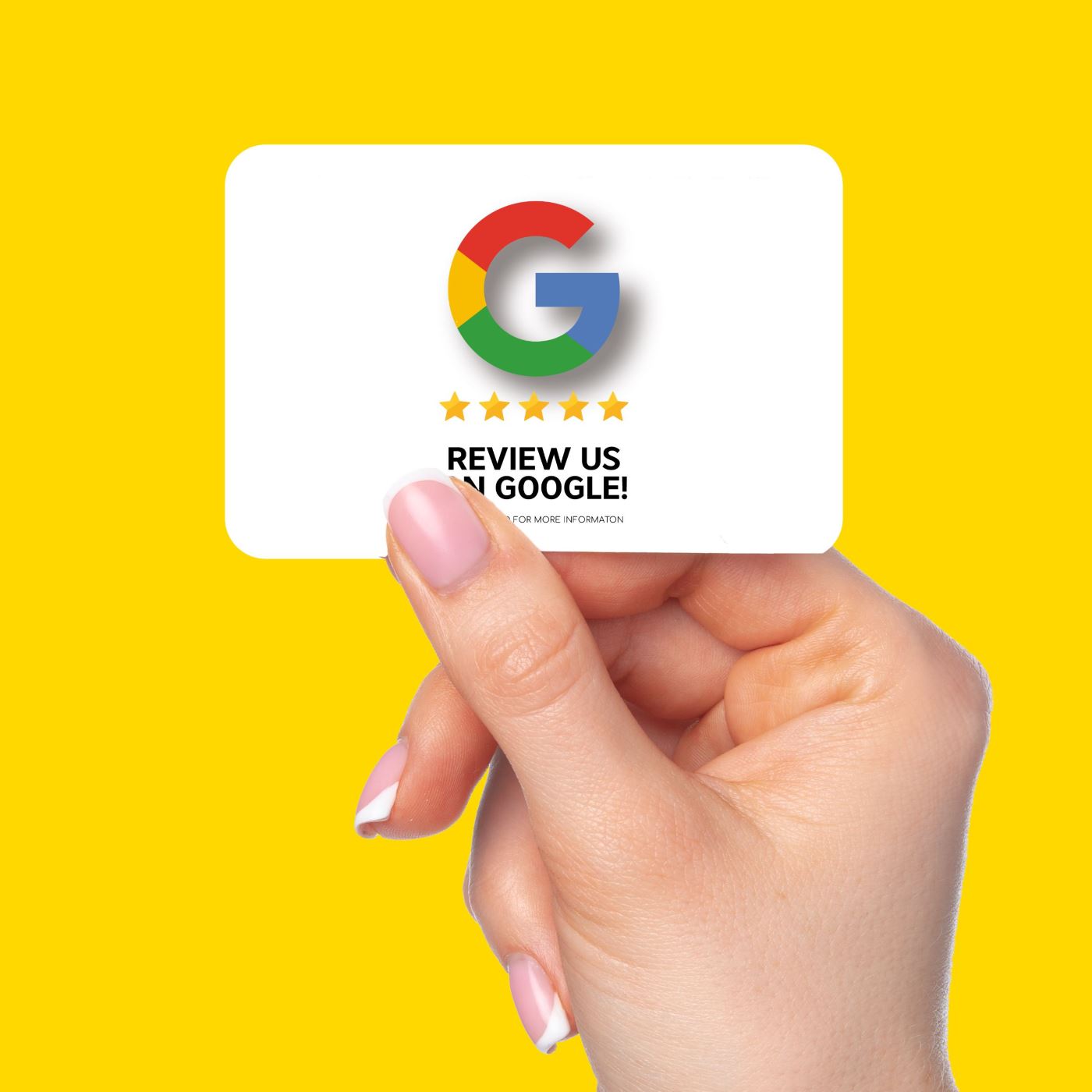
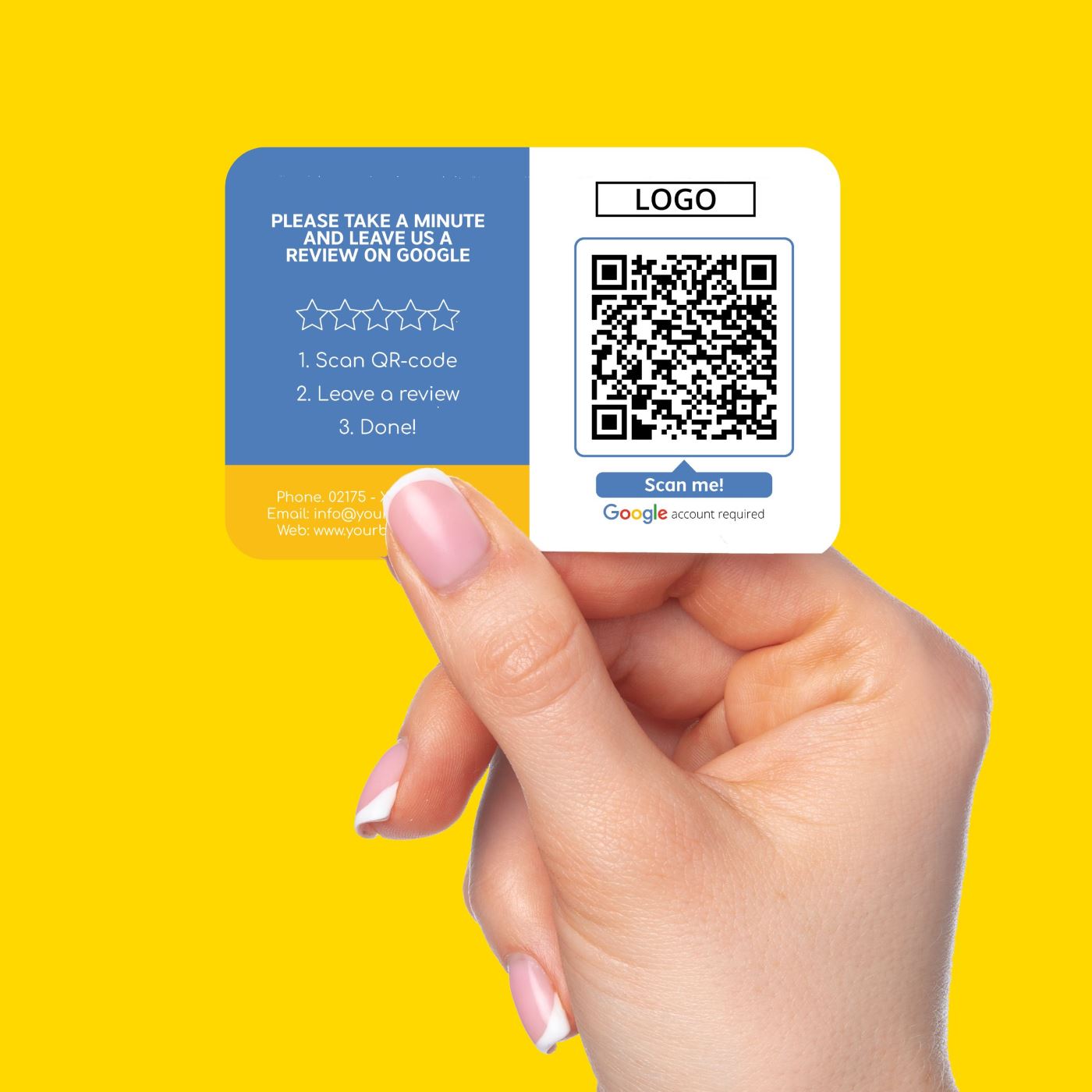
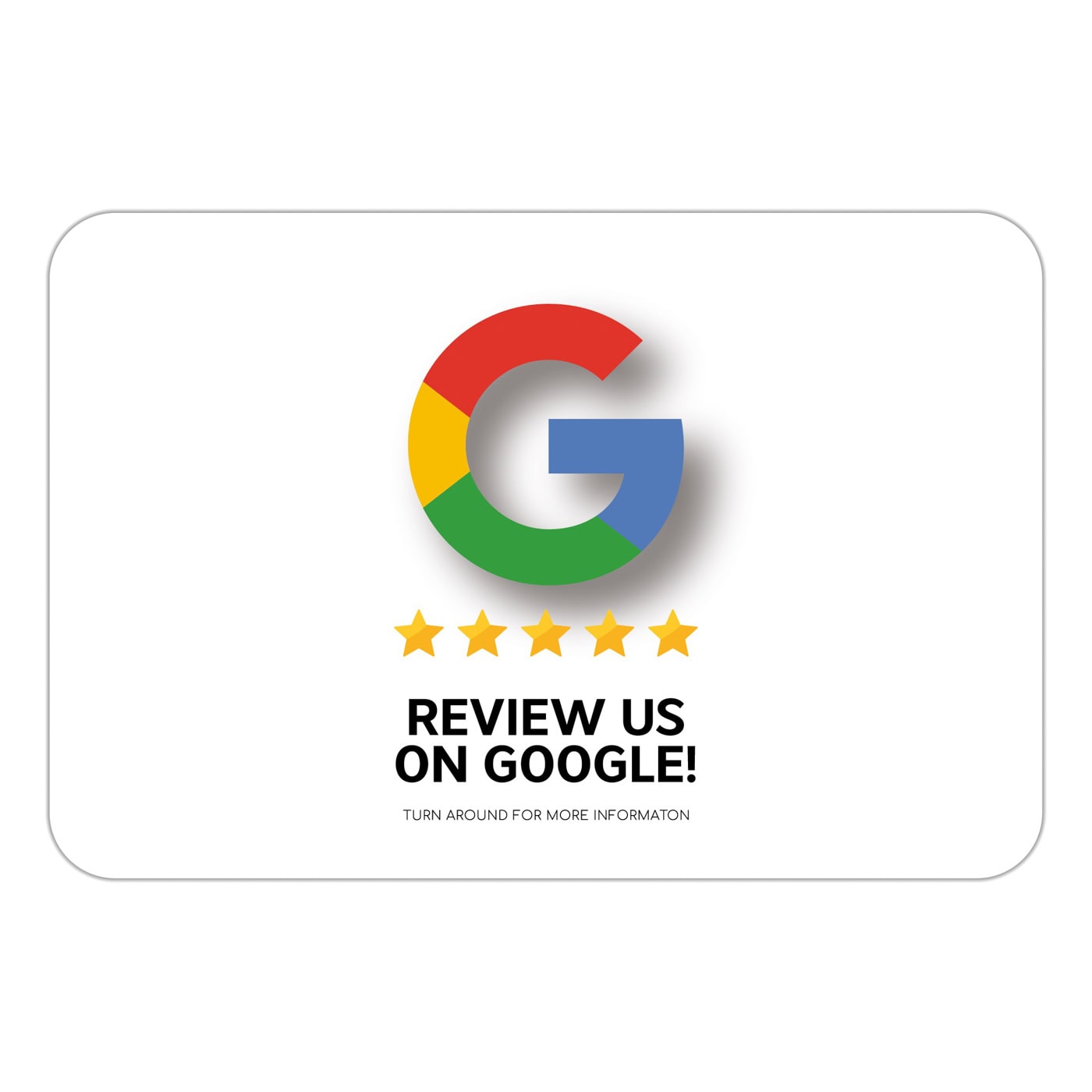
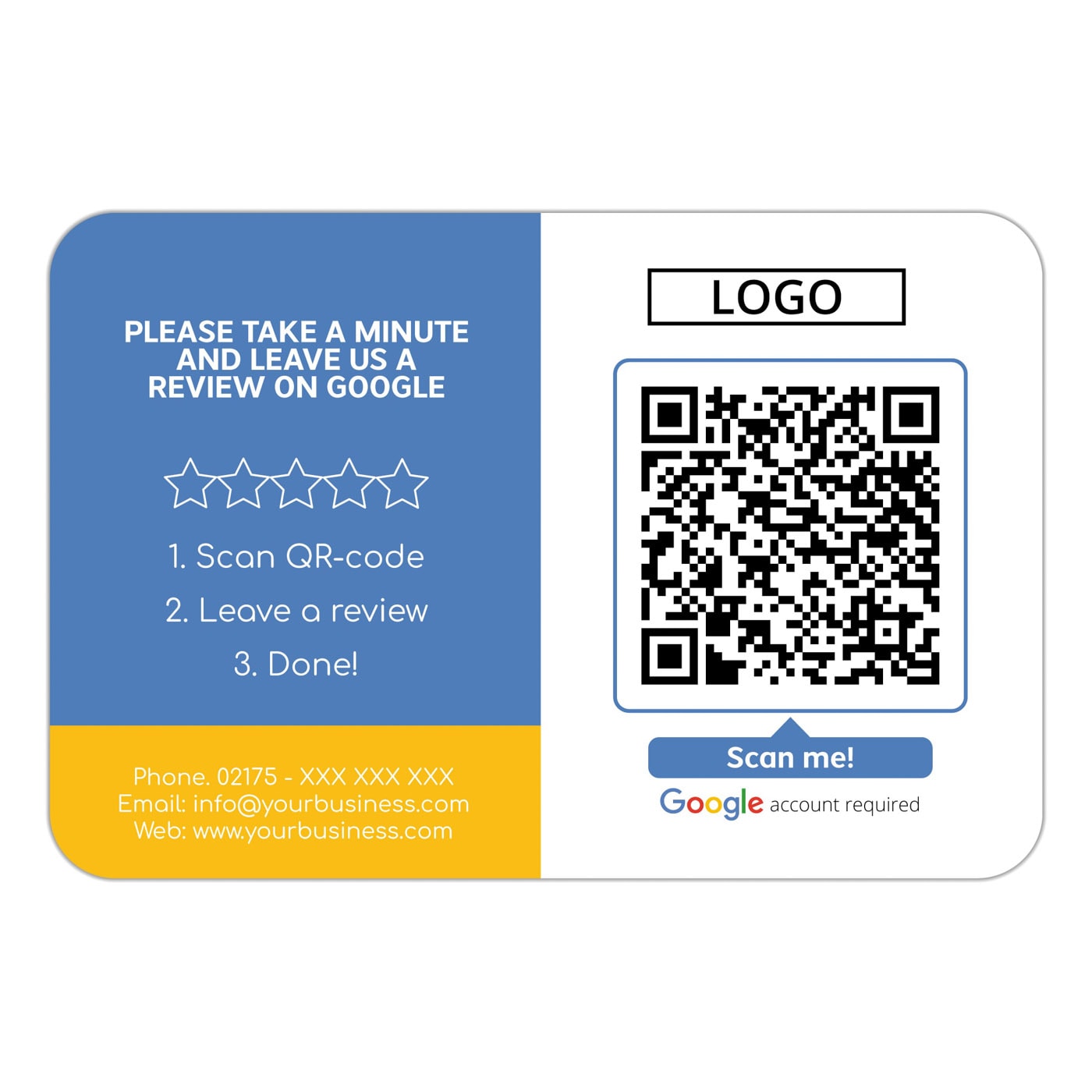
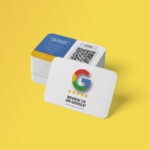

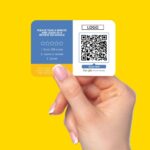
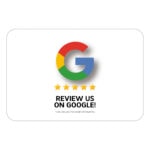
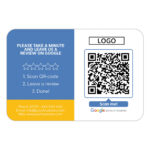

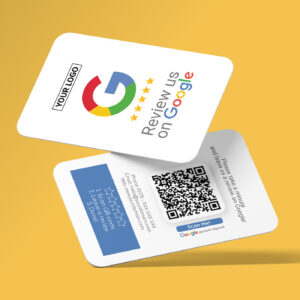
Google Review Business Card Icon with Google Review QR Code
0,94 € inc. Vat
You save
Make it easy for your customers to review you on Google!
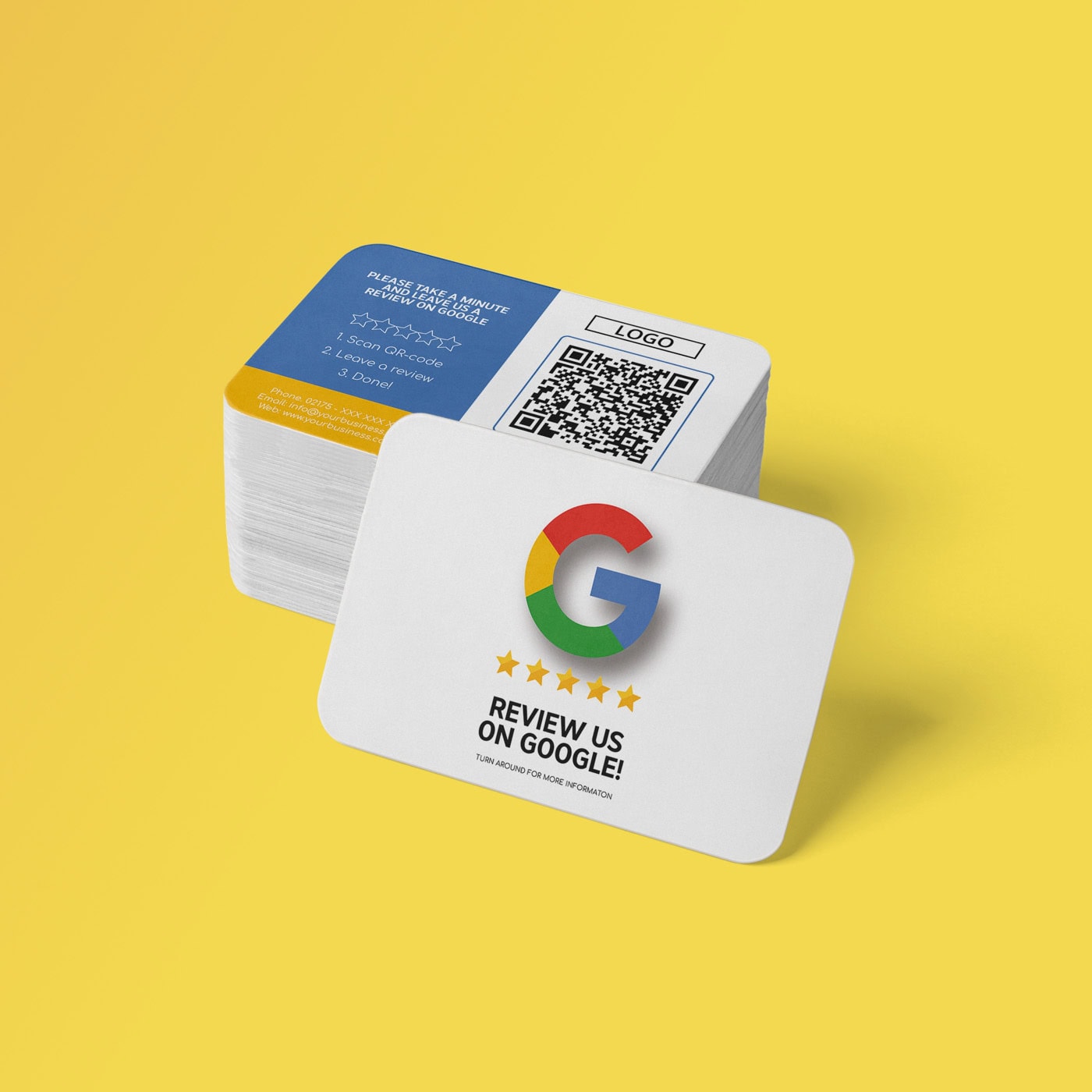
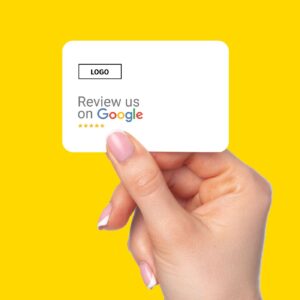
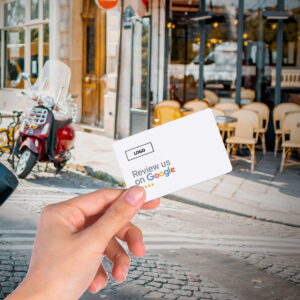
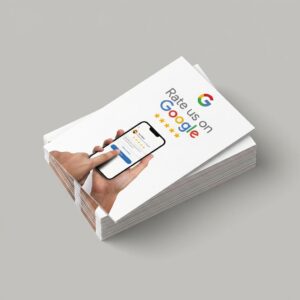
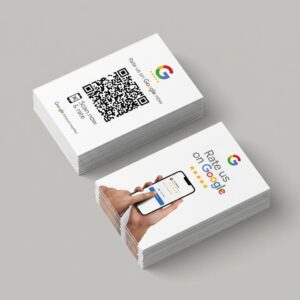
With the Google business cards “Icon” with google review QR Code in a reduced and attractive design, which fit into any company, you can easily win new Google reviews everywhere.
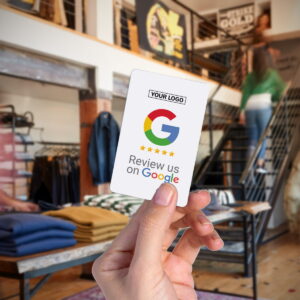
In a handy business card format, the “Review us on Google” business cards are ideal for anyone who travels a lot for work – e.g. for craftsmen and salespeople.
This is how the google review business cards help you
The business cards remove your customers biggest hurdles in the Google review:
- No unpleasant questions & requests, just hand it over. The call-to-action does it for you
- Reviews wont be forgotten, because the customers will be reminded of the Google review.
- No searching and no difficulties: the QR code leads directly to your evaluation form
- Tangible: The business cards make the google review tangible.
- No extra app: the QR code can be scanned with the smartphone camera
We will create and link the QR code for direct evaluation on your Google profile for you! We take this information from your company address.
You can find more information on how the cards help you here:
and enter your contact details, which should appear on the business card.
Simply get more Google reviews from customers
With the truzzer Google business cards with google review QR-Code, you can get positive reviews from your satisfied customers faster and improve your reputation.
In addition, you increase the bond with your company and your SEO ranking through the positive ratings.
In the handy business card format, you always have the opportunity to get more Google reviews at hand and make the online review through google accessible to your customers at any time.
Give your customers the truzzer Google business cards, put them in the shopping bag, send them with your products or put them on the tables in the restaurant. Finished.
The QR code takes customers directly to your Google review WITHOUT having to search for you on Google first. This is how you prevent jumps in the Google review process.
You can easily personalize the Google Business Cards with your logo and adapt them to your company.
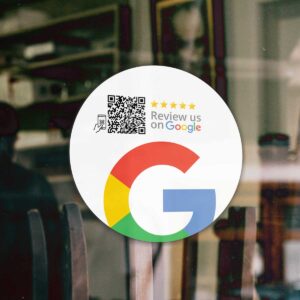
The Review us on Google products are easy to use, which we would like to show you below using the example of the review stickers.
Step 1: The customer scans the QR code
To follow you, the customer only has to scan the QR code. All you have to do is hold the smartphone camera (no extra scanner app necessary) over the product.
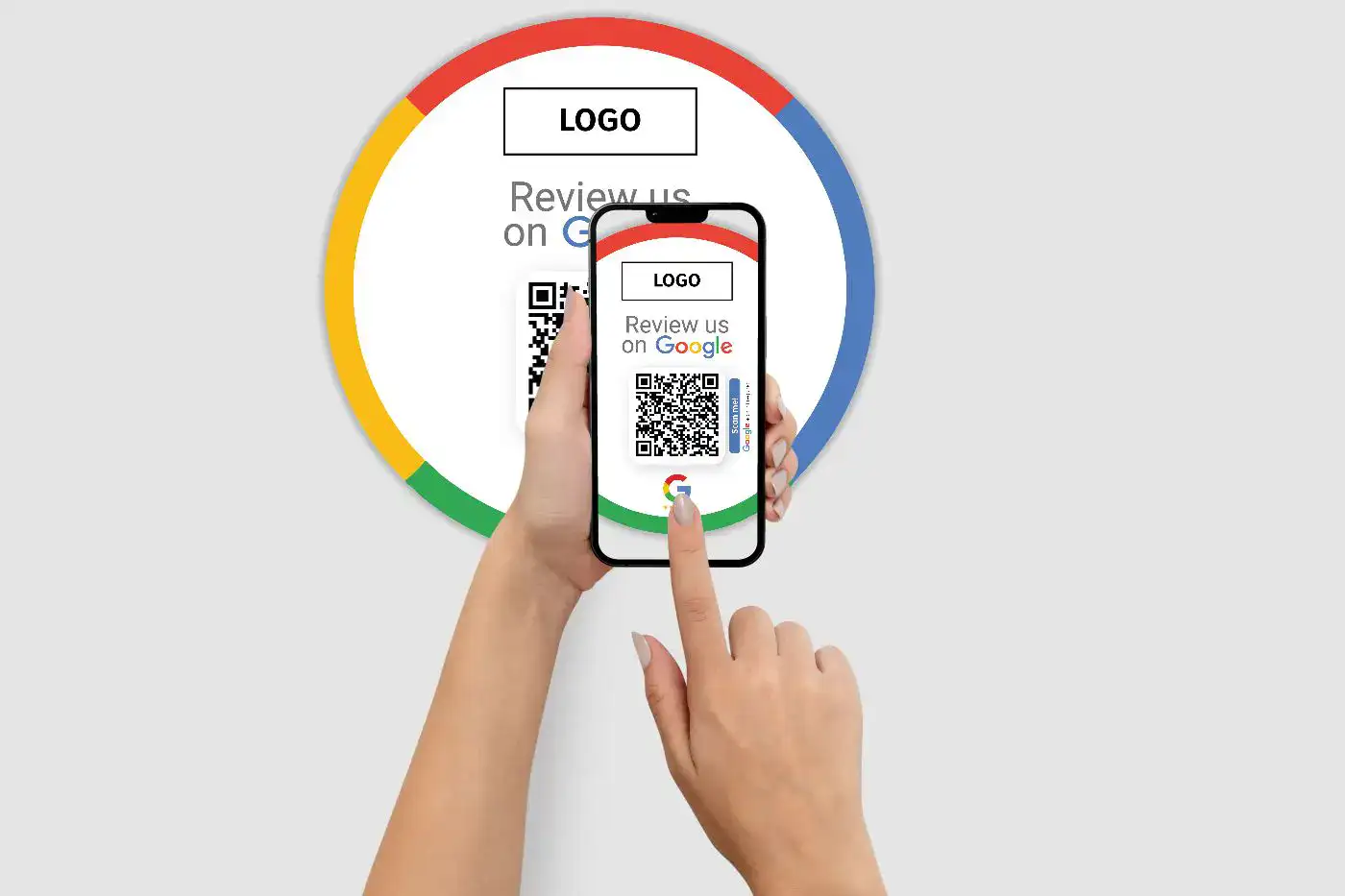
A pop-up will then appear on the screen (iPhone) or a QR code will appear (Android / Google smartphones).
Step 2: The customer goes directly to the Google review form
The review form will open in the smartphones browser and the customer can review you directly.
Notice:
Please note that a Google My Business profile is required to get Google reviews.
| Weight | 0001 kg |
|---|---|
| Dimensions | 85 × 55 × 01 cm |
| Technology | , |
| Material | |
| Placement | , , |
| Industry | , , |
| Product Type |
Related products
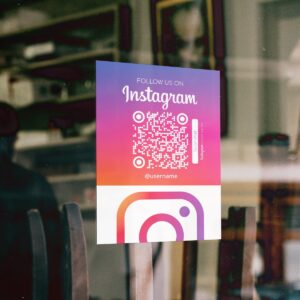
Follow us on Instagram Sticker Icon
Price range: 25,00 € through 29,00 € inc. VatYou save
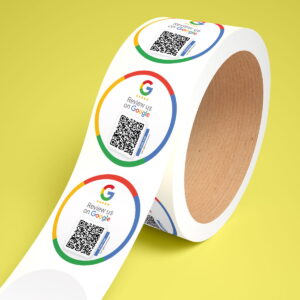
Google Review QR Code Sticker Roll with Google Review QR Code
Price range: 1,19 € through 1,34 € inc. VatYou save
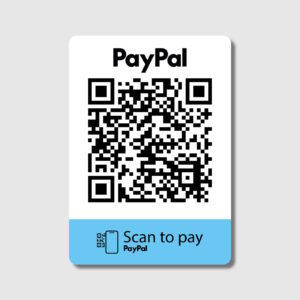
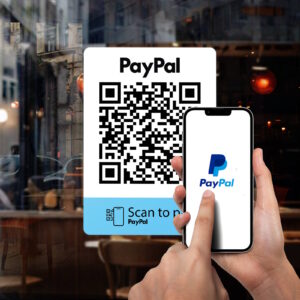
PayPal pay QR code sticker brand refresh
Price range: 25,00 € through 29,00 € inc. VatYou save